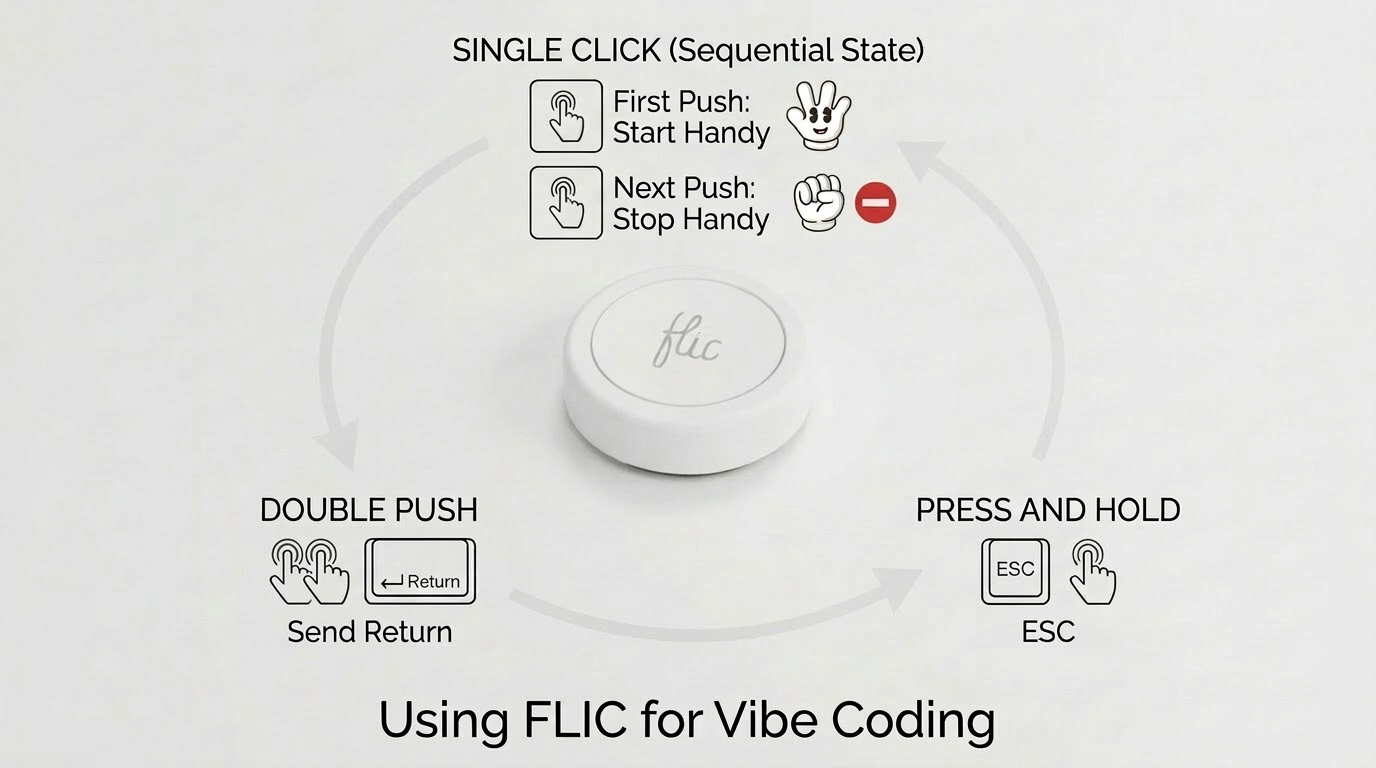
Walking pad under a standing desk. Laptop at eye level. Speed at 2.4–2.6 mph — fast enough to keep blood moving, slow enough that your brain stays free. Flic remote for controlling dictation and sending my commands.
Walking at this pace doesn't compete with thinking. I'm not really exercising. I'm just...not sitting. The body is occupied, so the mind is free. And again — I can't stress this enough — I'm not just sitting.
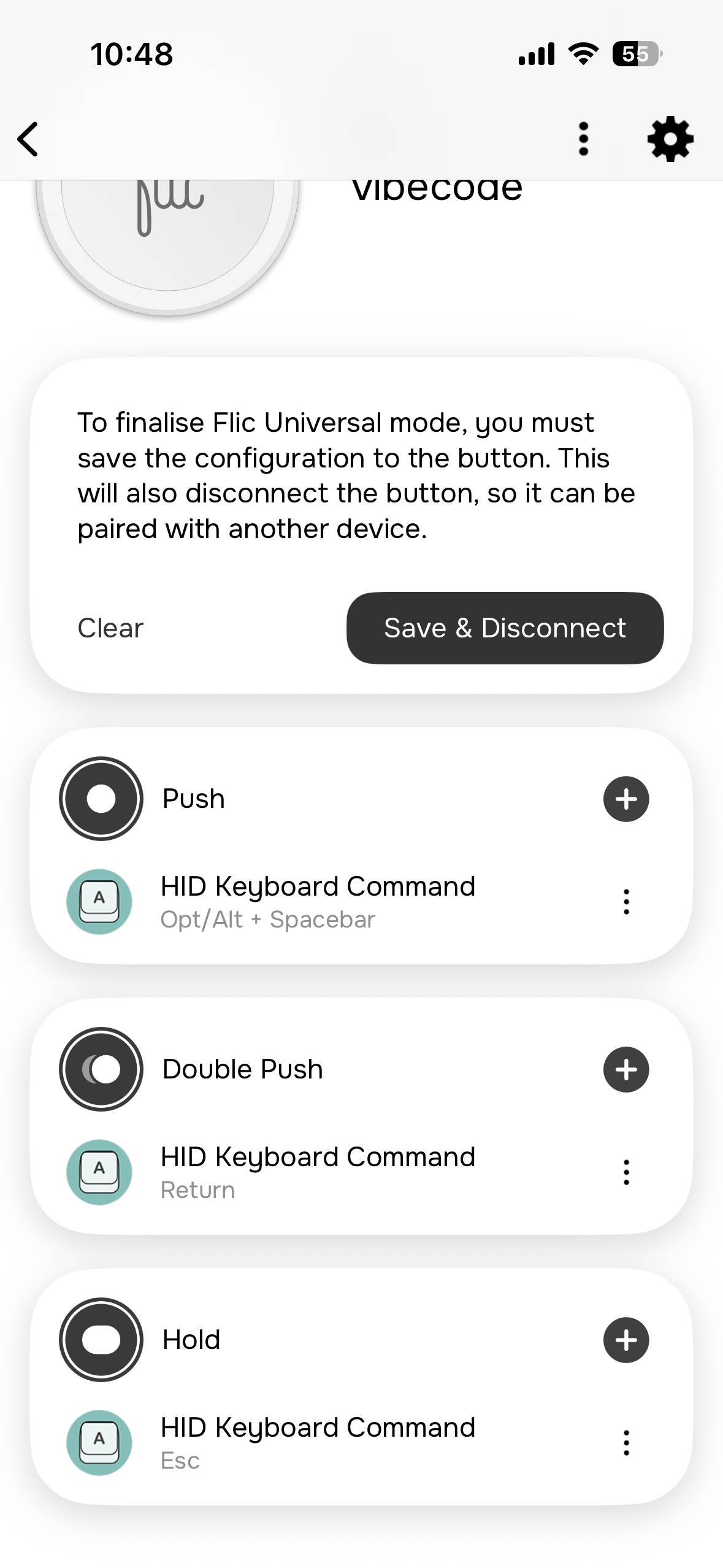
The flic button runs in Universal mode, sending HID keyboard commands over Bluetooth. A single press triggers Opt/Alt + Space — which activates Handy. Push to talk should be disabled in Handy; use the flic button to toggle instead.
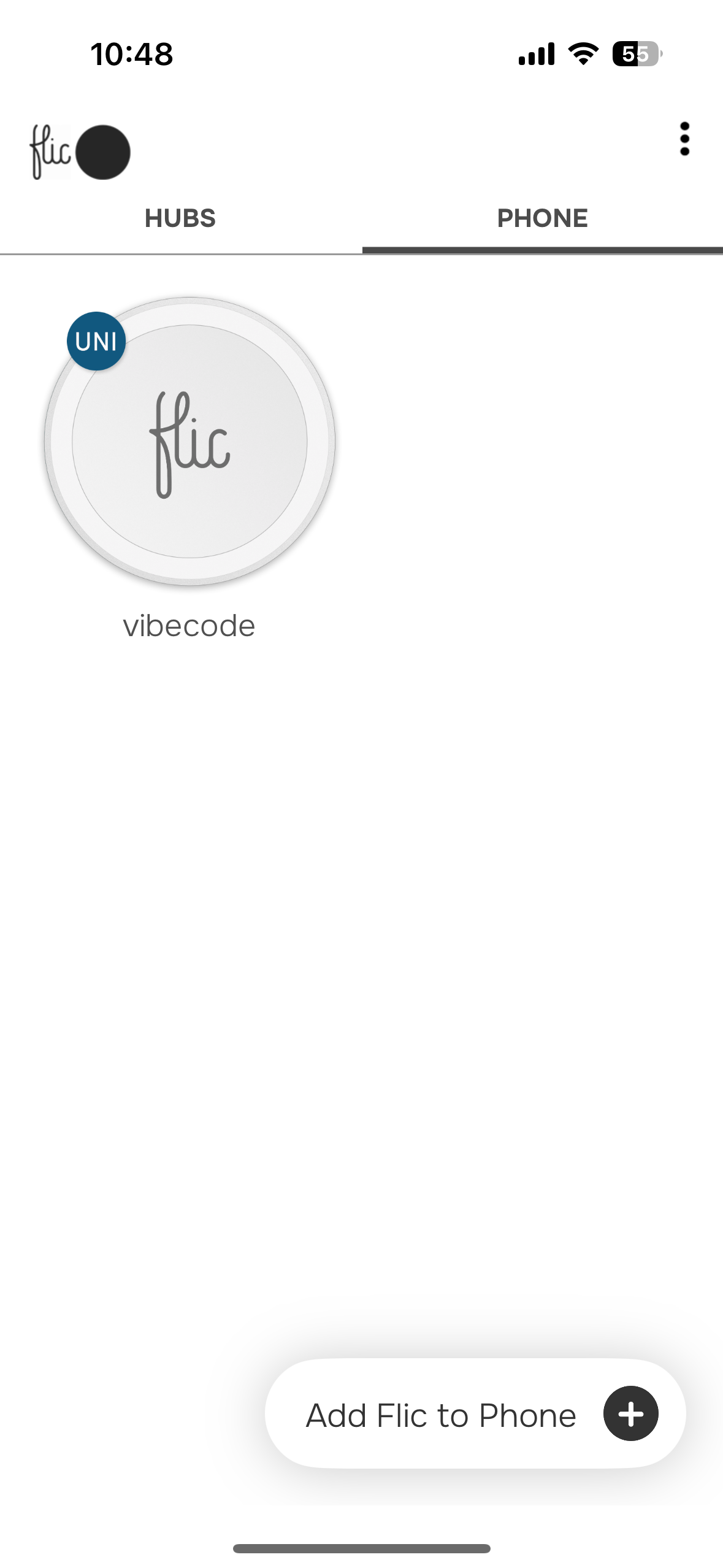
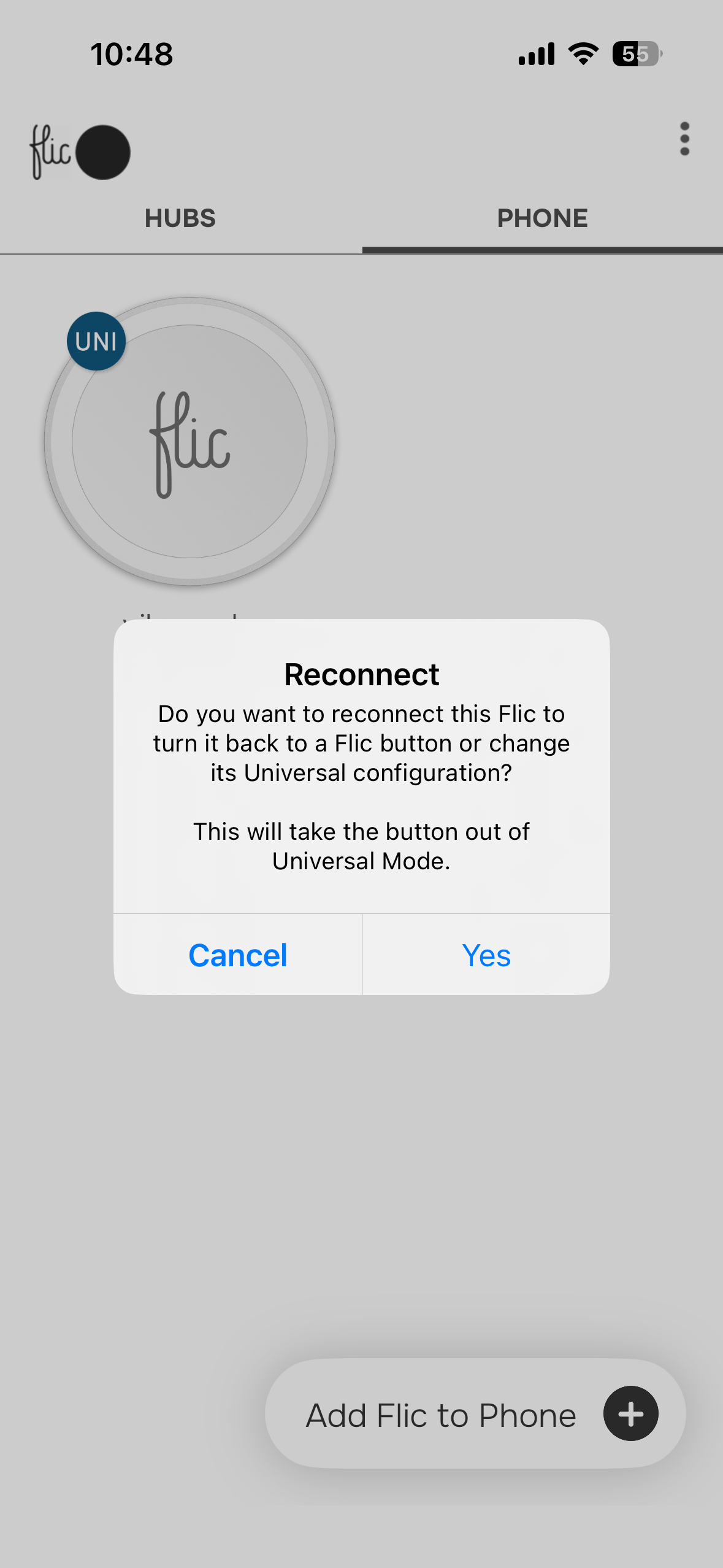
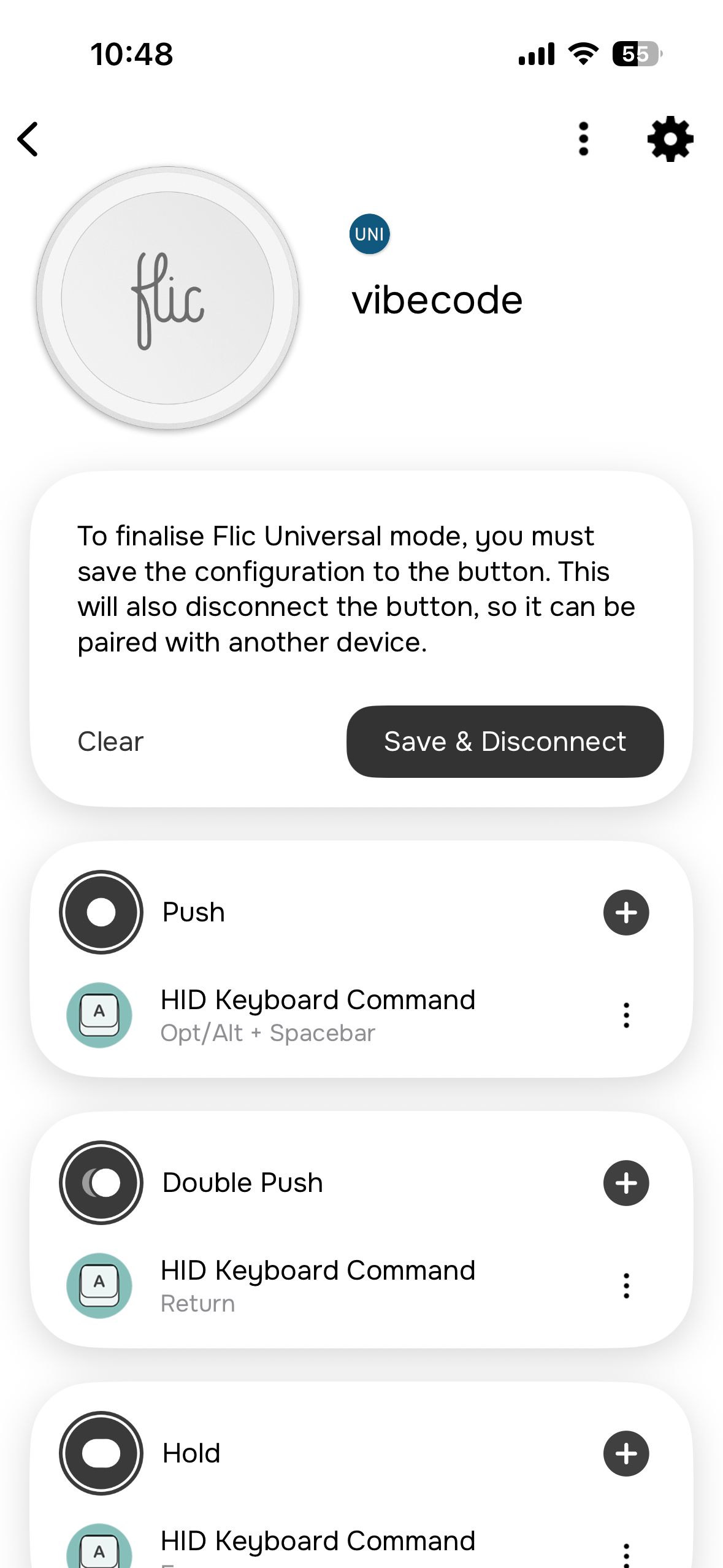
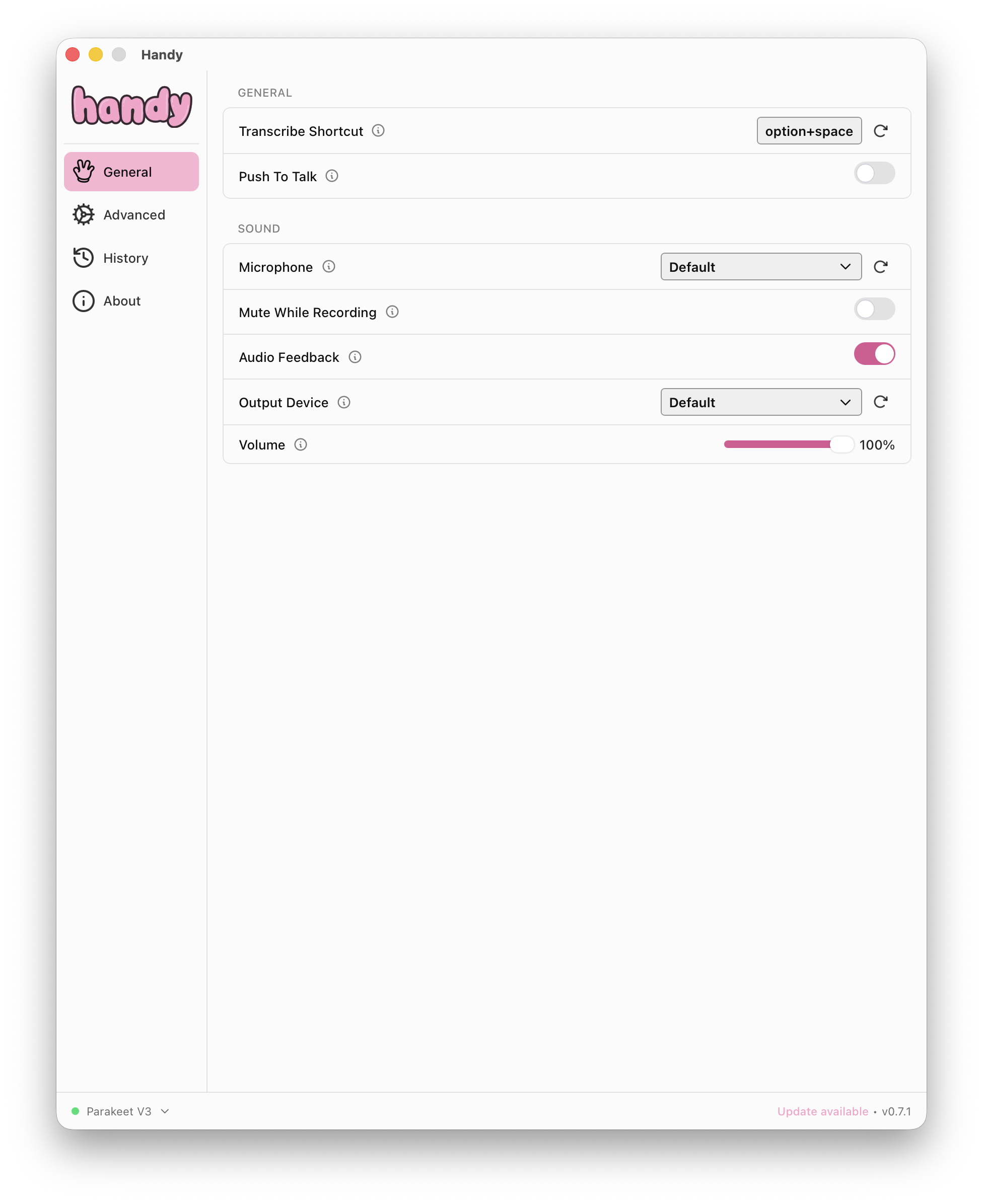
In Handy, set the transcribe shortcut to option+space and make sure Push To Talk is off. With this off, you are controlling a toggle state. I tried some things to do hold-to-talk at first but it ended up being a bit complicated given some limitations in the flic. This works better.
- 2.4–2.6 mph is the sweet spot. I can maintain this pace for hours without thinking about it, and it seems to be the best speed for creativity.
- Step tracking may not work. If your hand is resting on the standing desk, something like an Apple Watch isn't going to count your steps. I have my flic in the left hand though, so it's fine.
- Just use the built-in MacBook mic. My AirPod Pros kept having connection and transcription issues — other people have reported the same. You're talking out loud anyway, so it's not like you need noise isolation on the input side. It is a little annoying if you're in a co-working space, though. I wouldn't do this there.
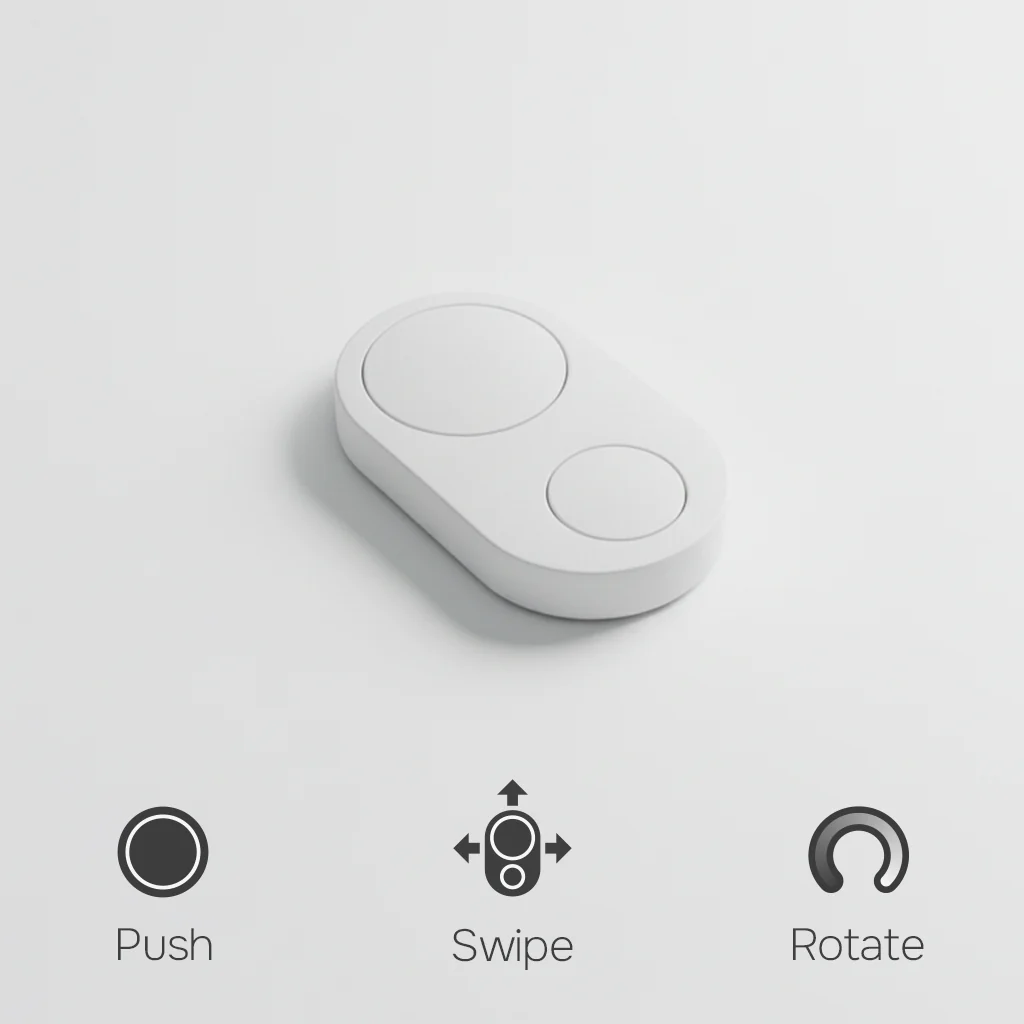
I should've got the flic Duo instead. It has push, swipe, and rotate actions — the rotate and swipe would let you navigate between tmux windows without touching the keyboard. That's the dream: voice for input, button for navigation, hands completely free. I wasn't sure if the Duo could work as an HID without the hub, though — should've asked them first.